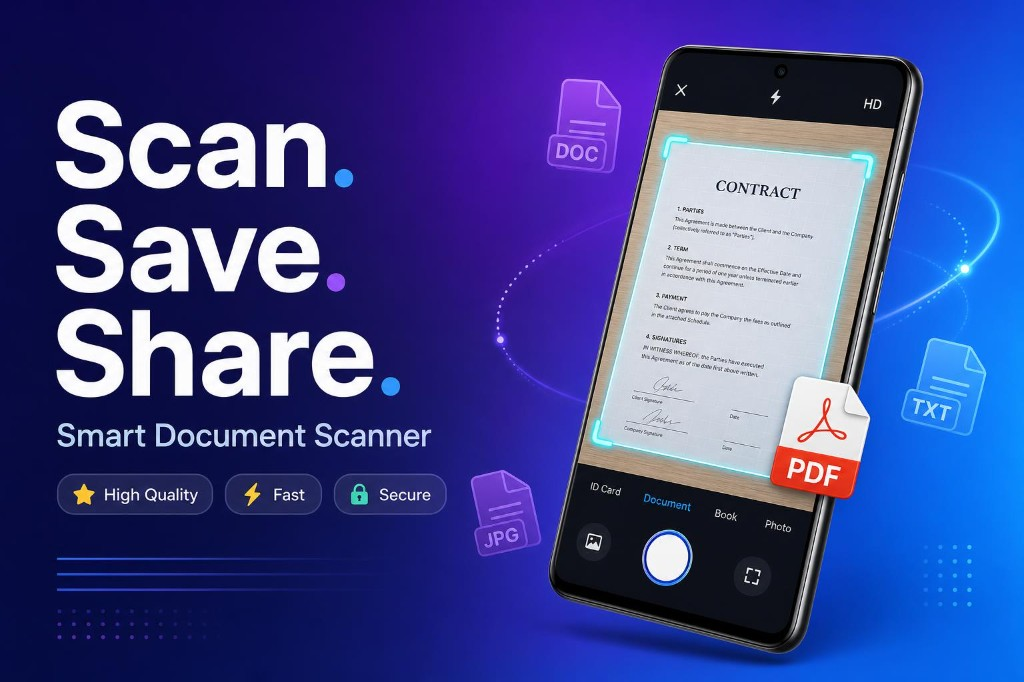
Scan to PDF document scanner app icon
All apps
Live on Google Play

Scan to PDF — Document Scanner App

Scan. Save. Share. All in One App.

Turn photos into crisp PDF documents instantly. Smart edge detection, OCR text extraction, QR scanning, and offline export — free on Android.

High QualityFastSecureOffline

No account required — scan receipts, notes & contracts offline.

Scan to PDF document scanner app — Scan. Save. Share. Smart Document Scanner for Android
Scan to PDF document scanner app icon — white PDF document with blue scan line on dark gradient

The All-in-One PDF Scanner App

Scan to PDF — Document Scanner turns your Android phone into a powerful portable scanner. Snap a photo of receipts, notes, contracts, or business cards and convert them into clean, shareable PDF documents in seconds.

With AI-powered edge detection, automatic cropping, instant enhancement, and full offline support, you can scan documents anywhere without an account or internet connection.

Everything You Need to Scan & Export PDFs

One app for document scanning, OCR, QR codes, card scanning, and image-to-PDF conversion — designed for speed and simplicity.

📄

Smart Document Scan

AI-powered edge detection, auto crop, and instant enhancement for receipts, notes, contracts, and more.
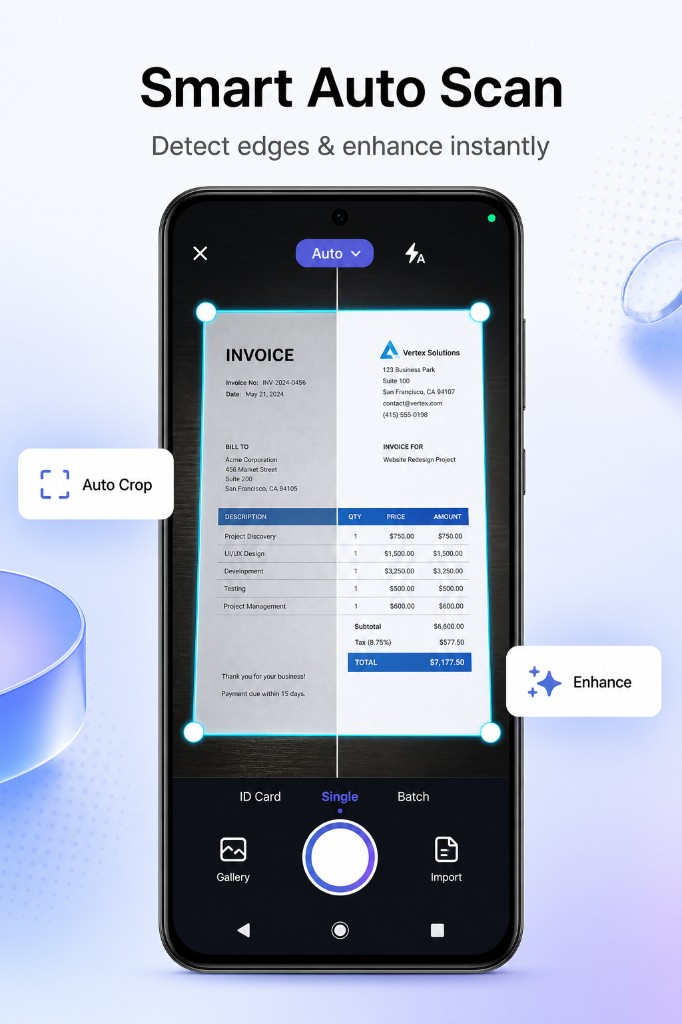
Smart auto scan with edge detection and instant document enhancement
🔍

OCR Text Extraction

Extract text from scanned images. Copy, edit, and share editable text from any document.
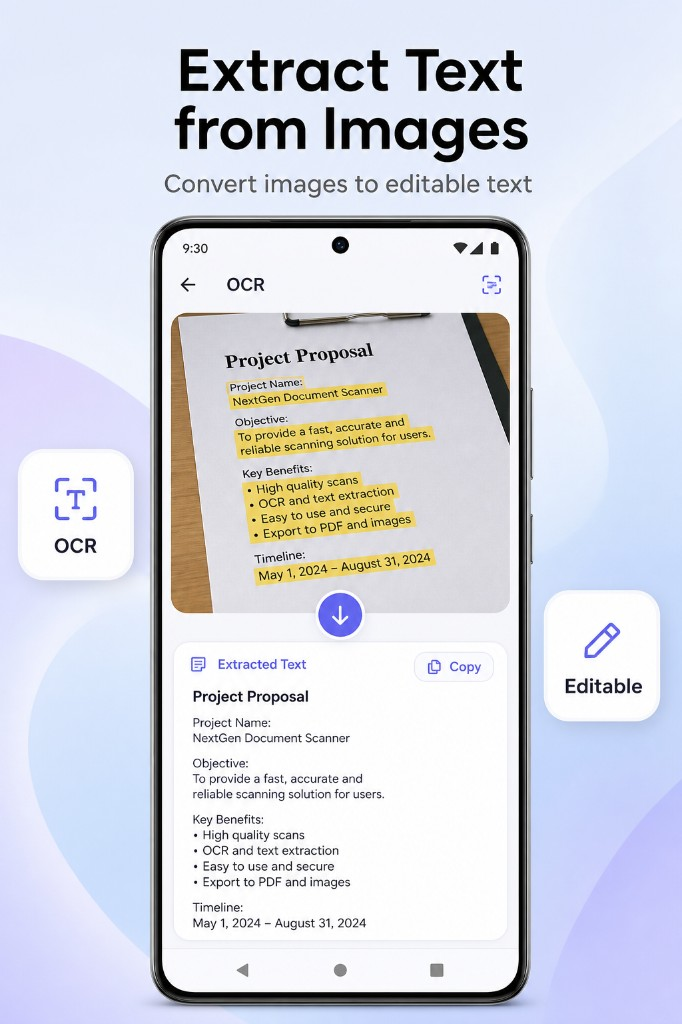
OCR text extraction — convert images to editable text
📱

QR Code Scanner

Scan QR codes instantly with fast, accurate detection and a built-in scan history.
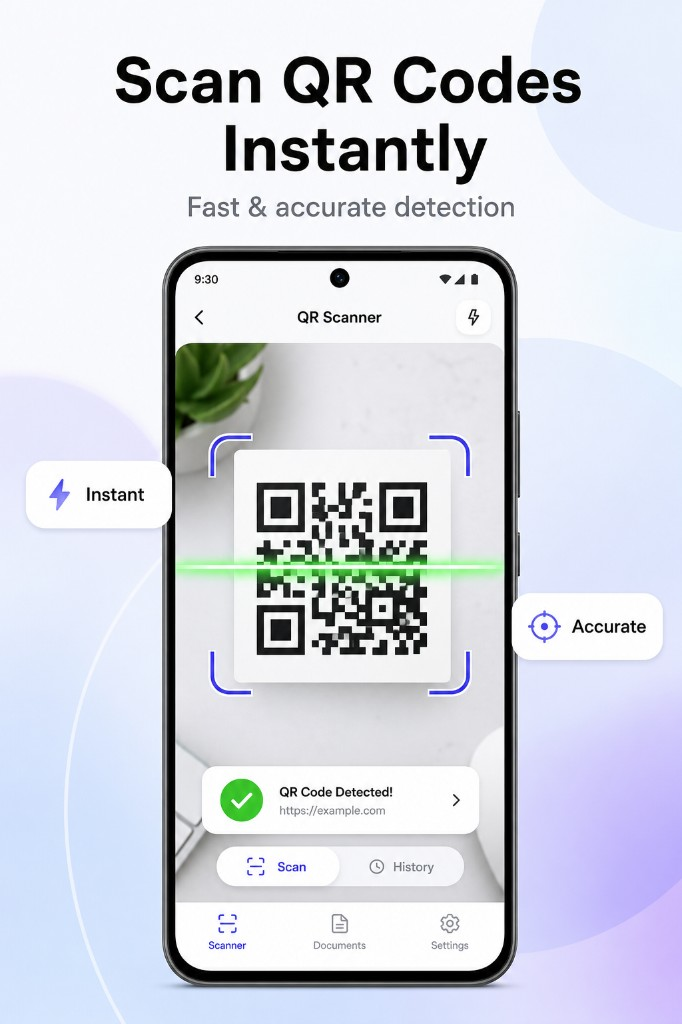
QR code scanner with instant detection and scan history
💳

Card & ID Scanner

Scan business cards and ID cards with auto-detect. Capture front and back in one tap.
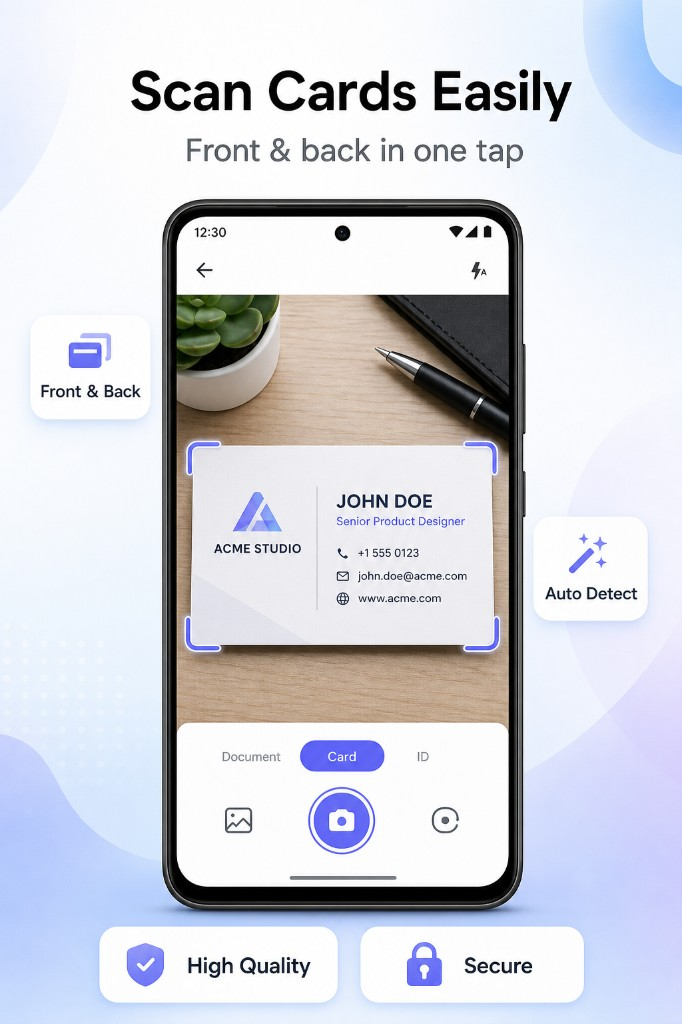
Business card scanner with auto detect and front & back capture
🖼️

Images to PDF

Convert multiple images into a single high-quality PDF. Reorder pages and share in one tap.
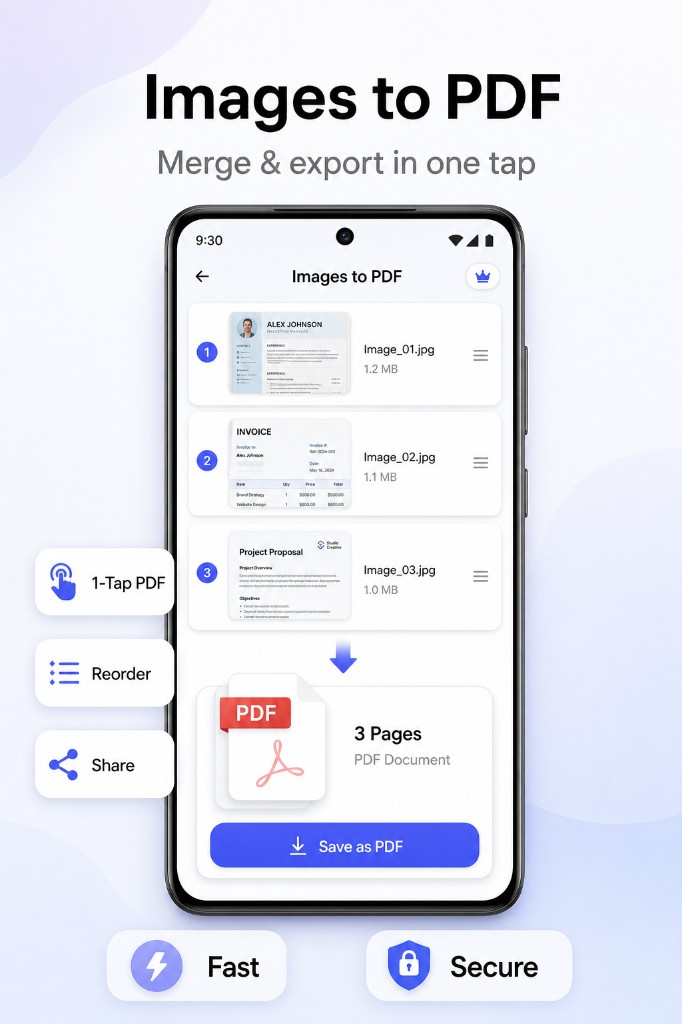
Images to PDF converter — merge and export multiple images as one PDF
📂

File Manager

Keep all your scanned PDFs, JPGs, and documents organized in one secure place.
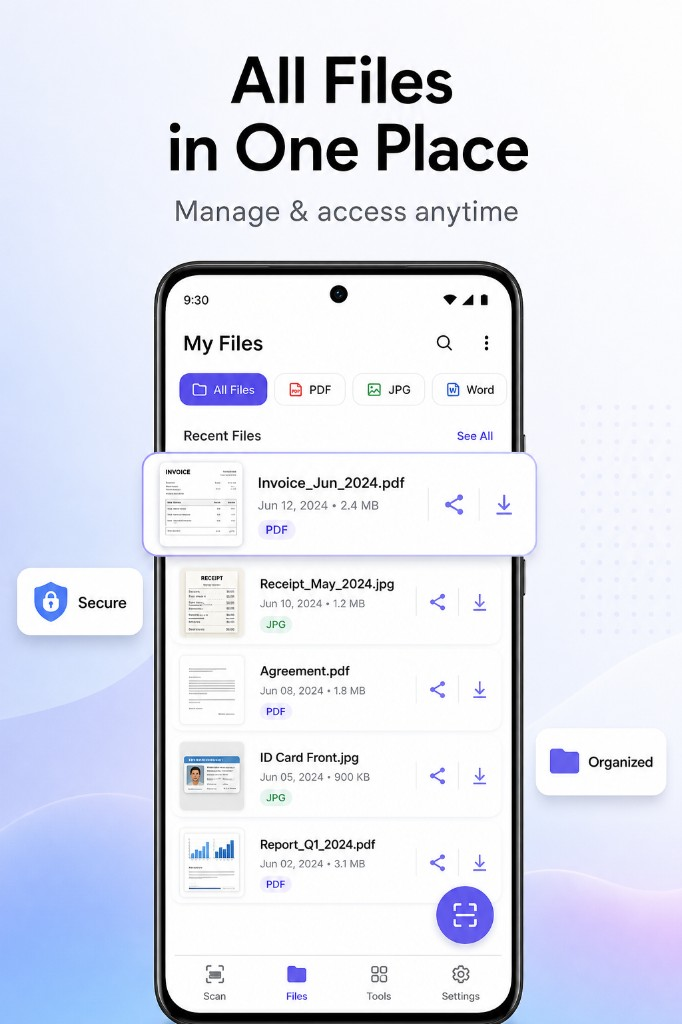
My Files document manager — organize PDF, JPG, and Word files in one place

Why Choose Scan to PDF?

Whether you need to digitize receipts, scan homework, or archive contracts, our document scanner app delivers professional results every time:
  • Scan documents to PDF in seconds — no account required
  • Works offline for scanning, cropping, and exporting
  • High-quality output for receipts, contracts, and notes
  • All-in-one: scan, OCR, QR, cards, and PDF tools

Read frequently asked questions →

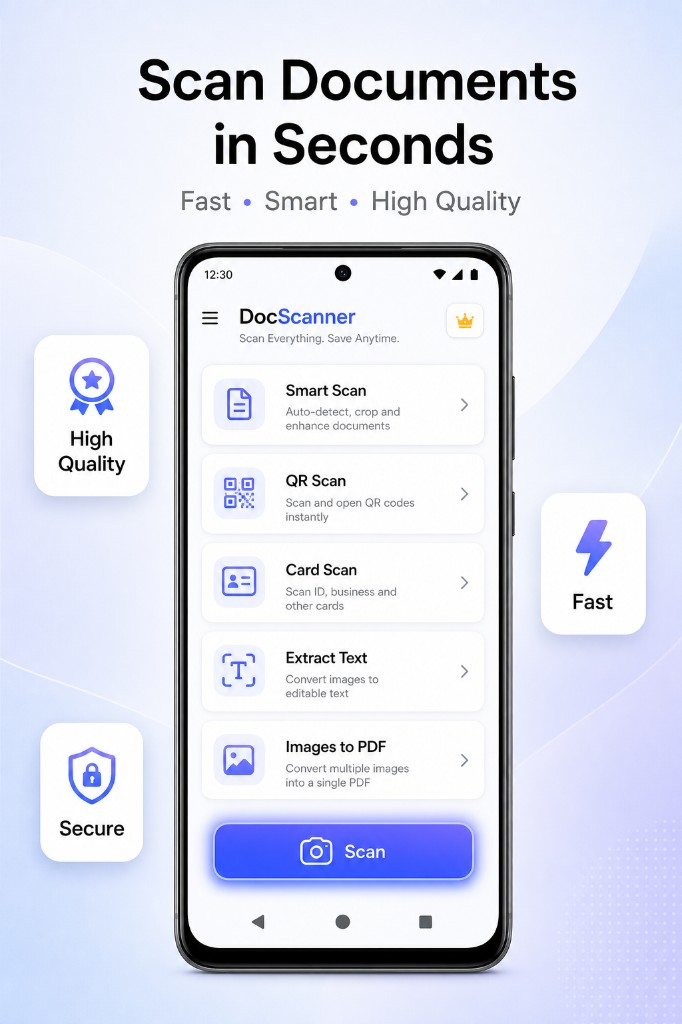
Document scanner app home screen — Smart Scan, QR Scan, Card Scan, OCR, and Images to PDF
Smart auto scan with edge detection and instant document enhancement
QR code scanner with instant detection and scan history
Business card scanner with auto detect and front & back capture

How to Scan Documents to PDF

Scanning documents on Android takes just a few seconds with Scan to PDF:

  1. 1Open the camera and point at your document, receipt, or note.
  2. 2Auto-detect edges — the app crops and enhances your scan instantly.
  3. 3Save as PDF and share via email, WhatsApp, or cloud storage.
  4. 4Organise files in My Files — filter by PDF, JPG, or Word.

Built for Everyone

Scan to PDF is perfect for:

  • Students scanning notes and assignments
  • Professionals digitizing receipts and contracts
  • Small businesses managing paperwork on the go
  • Anyone who needs a fast, free PDF scanner

See Scan to PDF in Action

Smart scanning, OCR, QR codes, card capture, and PDF tools — all in one clean, easy-to-use interface.

Document scanner app home screen — Smart Scan, QR Scan, Card Scan, OCR, and Images to PDF

Scan Documents in Seconds

Fast • Smart • High Quality

Smart auto scan with edge detection and instant document enhancement

Smart Auto Scan

Detect edges & enhance instantly

QR code scanner with instant detection and scan history

Scan QR Codes Instantly

Fast & accurate detection

Business card scanner with auto detect and front & back capture

Scan Cards Easily

Front & back in one tap

OCR text extraction — convert images to editable text

Extract Text from Images

Convert images to editable text

Images to PDF converter — merge and export multiple images as one PDF

Images to PDF

Merge & export in one tap

My Files document manager — organize PDF, JPG, and Word files in one place

All Files in One Place

Manage & access anytime

Frequently Asked Questions

Everything you need to know about the Scan to PDF document scanner app.

Is Scan to PDF free to download?
Yes. Scan to PDF — Document Scanner is free to download on Google Play. Scan documents, convert images to PDF, and use OCR without paying upfront.
Does the document scanner work offline?
Yes. You can scan, crop, enhance, and export PDFs without an internet connection. Your documents stay on your device.
Can I scan receipts and notes to PDF?
Yes. Use the camera to scan receipts, handwritten notes, contracts, invoices, and any paperwork. Smart auto crop and enhancement produce clean, readable PDFs.
Does the app support OCR text extraction?
Yes. The built-in OCR scanner extracts text from images so you can copy, edit, and share editable text from scanned documents.
Can I convert multiple images to one PDF?
Yes. The Images to PDF feature lets you select multiple photos, reorder them, and export a single high-quality PDF document.
What scan modes are available?
Scan to PDF includes Document Scanner, QR Code Scanner, Card Scanner, OCR Text Scanner, and Images to PDF Converter — all in one app.

Download Scan to PDF — Free on Google Play

Join thousands of users who scan documents, extract text, and export PDFs with the smartest document scanner app for Android.

Scan. Save. Share. — Fast, offline, and secure.

Scan to PDF — Document Scanner is a free all-in-one PDF scanner app for Android. Scan documents, extract text with OCR, scan QR codes, digitize business cards, and convert images to PDF — fast, offline, and easy to use. Download now on Google Play.